
Enroll by Paying Fee

Complete all Modules and submit required Assignments

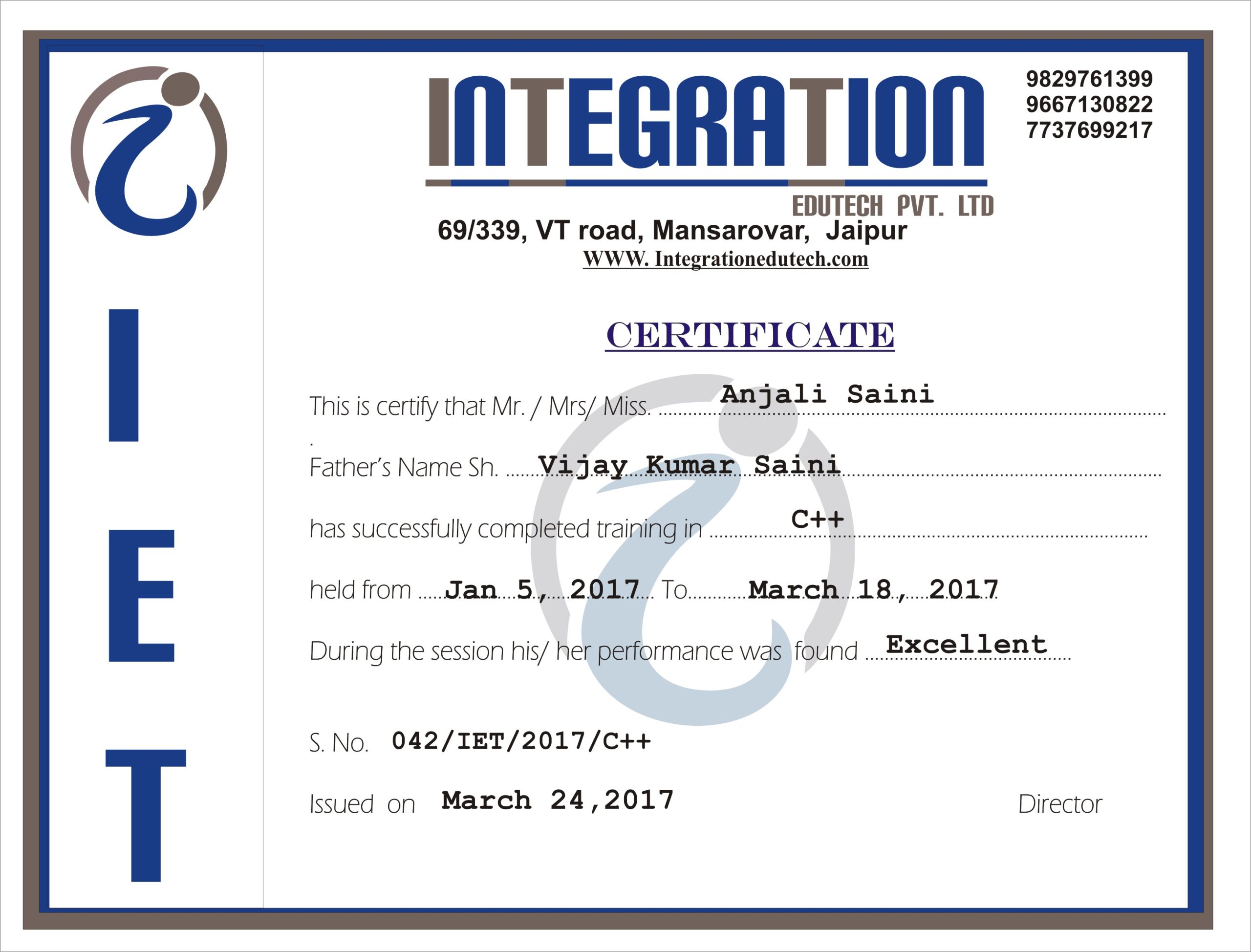
Get Certified after Completion
I completed my Video Editing training from Integration Edutech Pvt. Ltd.
Before joining, I only knew basic editing.
During the training, I learned how to edit videos properly and understand the flow of clips, transitions, and audio.
The explanations were simple and practical, which helped me improve step by step.
Overall, it was a good learning experience and helped me gain confidence in video editing.
After completing my training in video editing ,now i am working as an freelancer.
I am very thankful to integration edutech pvt ltd for the learning and support.

I, Andree Sharma, a BCA student, joined Integration Edutech Pvt. Ltd. for my internship. The organization made my learning experience productive. During my time here, I learned many project-related skills, gained practical knowledge, and improved my understanding of computer applications and software development.
I am extremely thankful to the team at Integration Edutech Pvt. Ltd. for their guidance, support during my internship period.
I completed my DevOps training from Integration Edutech Pvt. Ltd., Jaipur.
The trainers were knowledgeable, supportive, and explained concepts in a simple, practical way.
The training was project-based and included help with resume and interview preparation.
Overall, it was a great learning experience, and I would highly recommend it
I completed my DevOps training from Integration Edutech Pvt. Ltd., Jaipur.
The trainers were knowledgeable, supportive, and explained concepts in a simple, practical way.
The training was project-based and included help with resume and interview preparation.
Overall, it was a great learning experience, and I would highly recommend it
The learning experience at Integration Edutech Pvt. Ltd. exceeded my expectations. The course content is updated and aligned with current industry trends. Thanks to the training and career guidance sessions, I feel well-prepared to pursue better job opportunities.

Faculty Members at Integration have helped me strengthen my core concepts and develop industry-relevant skills. The hands-on projects and interactive sessions made learning engaging and practical. I truly appreciate the mentorship and continuous guidance provided throughout the program.
Enrolling myself for learning various courses at Integration Edutech has been one of the best decisions for my academic and professional growth. The faculty members are highly supportive, and the curriculum is well-structured with a perfect balance of theory and practical exposure. I feel much more confident in applying my skills in real-world scenarios.